
Master RAIDOU Remastered settings and controls with expert optimization tips for enhanced gameplay
Introduction to RAIDOU Remastered’s Modern Enhancements
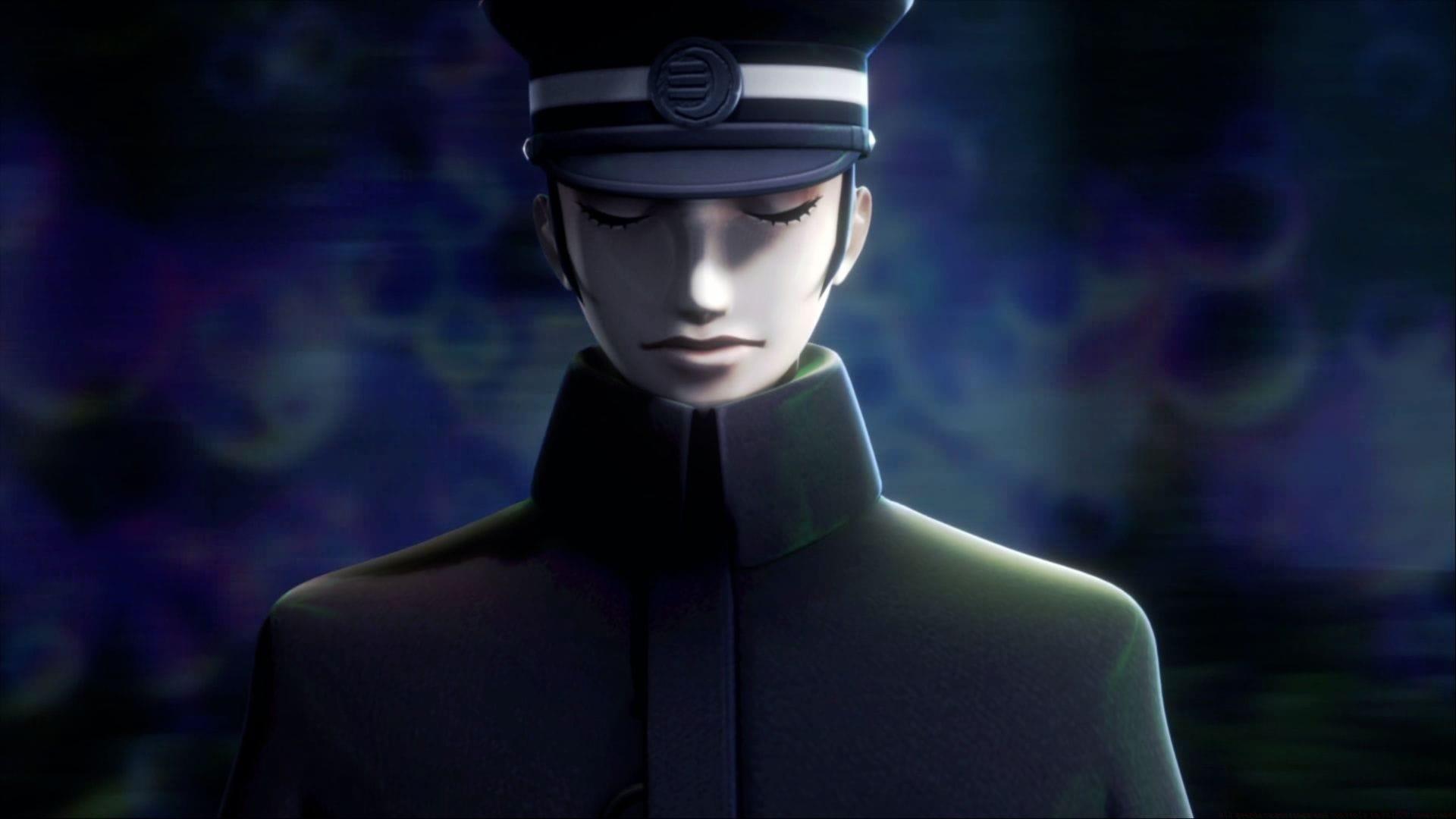
RAIDOU Remastered: The Mystery of the Soulless Army makes its long-awaited PC debut, bringing this cult classic detective RPG to modern gaming platforms. While maintaining faithful recreation of the original PlayStation 2 experience, the remaster introduces crucial customization features that allow players to fine-tune both visual presentation and control schemes. This enhanced accessibility makes the game particularly welcoming for newcomers who might be unfamiliar with early 2000s gaming conventions.
Graphics and Performance Settings Deep Dive
The visual configuration options in RAIDOU Remastered provide essential performance tuning capabilities. While the settings menu might appear basic compared to contemporary titles, each adjustment delivers meaningful impact on gameplay smoothness and visual clarity.
- Performance: Select between Prioritize Graphics and Prioritize Performance global presets – the performance mode ensures consistent frame rates during intense demon summoning sequences
- Rendering Scale: Choose between 60%, 80%, or 100% – lowering this setting dramatically improves performance on older hardware
- Shadows: Can be On or Off – disabling shadows provides significant performance boost with minimal visual impact
- Anti-aliasing: Can be On or Off – essential for cleaning up jagged edges in the game’s pre-rendered backgrounds
- Screen Brightness: Adjust the screen brightness level – crucial for investigating dark crime scenes and shadowy alleyways
- Contrast: Adjust game contrast level – enhances visual clarity during nighttime investigations
For players accustomed to 2025 gaming standards, the visual options might initially seem limited. However, RAIDOU Remastered preserves the authentic PS2-era aesthetic while providing just enough customization to ensure smooth performance across diverse hardware configurations. The art direction’s distinctive style remains intact regardless of settings choices.
Controller Configuration Master Guide
RAIDOU Remastered delivers its most polished experience through controller input, with comprehensive mapping covering investigation, combat, and demon management systems. The control scheme intelligently organizes functions by gameplay context.
Core Navigation and Investigation
- Move Up/Down/Left/Right: Left Stick or D-Pad Up – D-pad provides precise movement for evidence collection
- Move Camera Directions: Right Stick controls – essential for environmental scanning
- Shift Category Left/Right: LB/RB – quick access to inventory categories
- Investigation Menu: Menu Button – central hub for case management
- Display Map: View Button – crucial for navigating complex urban environments
- Investigation Skills: LT – activates special detective abilities
Combat and Demon Management
- Switch Stealth Strike Target: RB – critical for tactical positioning
- Check Investigation Skills: Y – review available supernatural abilities
- Release Demon/Unequip Summoner Skill: View Button – manage your spiritual companions
- Demon Fusion Systems: Comprehensive controls for Goumaden rituals
- Battle Controls: Context-sensitive mappings for both demon command and solo combat
The controller layout demonstrates thoughtful design, with frequently used actions placed on easily accessible buttons while maintaining consistency across different gameplay modes. Muscle memory develops quickly thanks to logical grouping of related functions.
Keyboard and Mouse Setup Guide
While controller remains the recommended input method, RAIDOU Remastered offers competent keyboard and mouse support with rebindable keys. The default mapping prioritizes accessibility but benefits from personal customization.
Essential Keyboard Bindings
- Camera Control: Mouse movement – provides precise investigation aiming
- Category Navigation: Q/E keys – mirror controller shoulder buttons
- Confirm/Cancel: F/C or Mouse Clicks – intuitive selection system
- Investigation Menu: Tab key – quick access to case files
- Movement: WASD standard configuration
Combat and Advanced Functions
- Investigation Skills: 3 key – easily accessible during tense moments
- Combat Actions: Multiple key bindings for different attack types
- Lock-On System: J key with Q/E modifications for target selection
- Demon Management: Number keys for quick demon skill adjustments
- Menu Navigation: Logical key placements for various subsystems
Keyboard users should consider rebinding less intuitive mappings, particularly the lock-on target selection which uses multiple key combinations. The mouse implementation works adequately for camera control but lacks the fluidity of analog sticks for precise investigation work.
Advanced Optimization Strategies
Maximizing your RAIDOU Remastered experience requires understanding both technical and gameplay optimization techniques. These strategies enhance performance while preserving the game’s distinctive atmosphere.
Performance Configuration
Prioritize Performance mode combined with 80% rendering scale delivers the optimal balance between visual quality and smooth gameplay. Disabling anti-aliasing has minimal impact due to the game’s art style but provides measurable performance gains. Shadow quality has surprisingly little effect on the pre-rendered background presentation.
Control Scheme Selection
Controller remains the definitive way to experience RAIDOU Remastered, with the analog sticks providing superior navigation through investigation sequences. Keyboard users should remap the lock-on target cycling to single keys rather than complex combinations for more responsive combat.
Common Pitfalls to Avoid
Many players mistakenly max out all visual settings, unaware that the Performance preset actually improves gameplay fluidity during demon summoning sequences. Another common error involves overlooking the investigation skill shortcuts, which dramatically accelerate clue collection when properly utilized.
RAIDOU Remastered’s availability across PC, PS4, PS5, Xbox Series X|S, Nintendo Switch, and Nintendo Switch 2 ensures players can choose their preferred platform while enjoying consistent customization options and control schemes tailored to each system’s capabilities.
No reproduction without permission:GameCDjnh » All graphics settings and controls in RAIDOU Remastered Master RAIDOU Remastered settings and controls with expert optimization tips for enhanced gameplay